PTC
is a global technology company specializing in software for product design,
engineering, manufacturing, and lifecycle management, with leading solutions
such as Creo (CAD), Windchill (PLM), and Vuforia (AR).
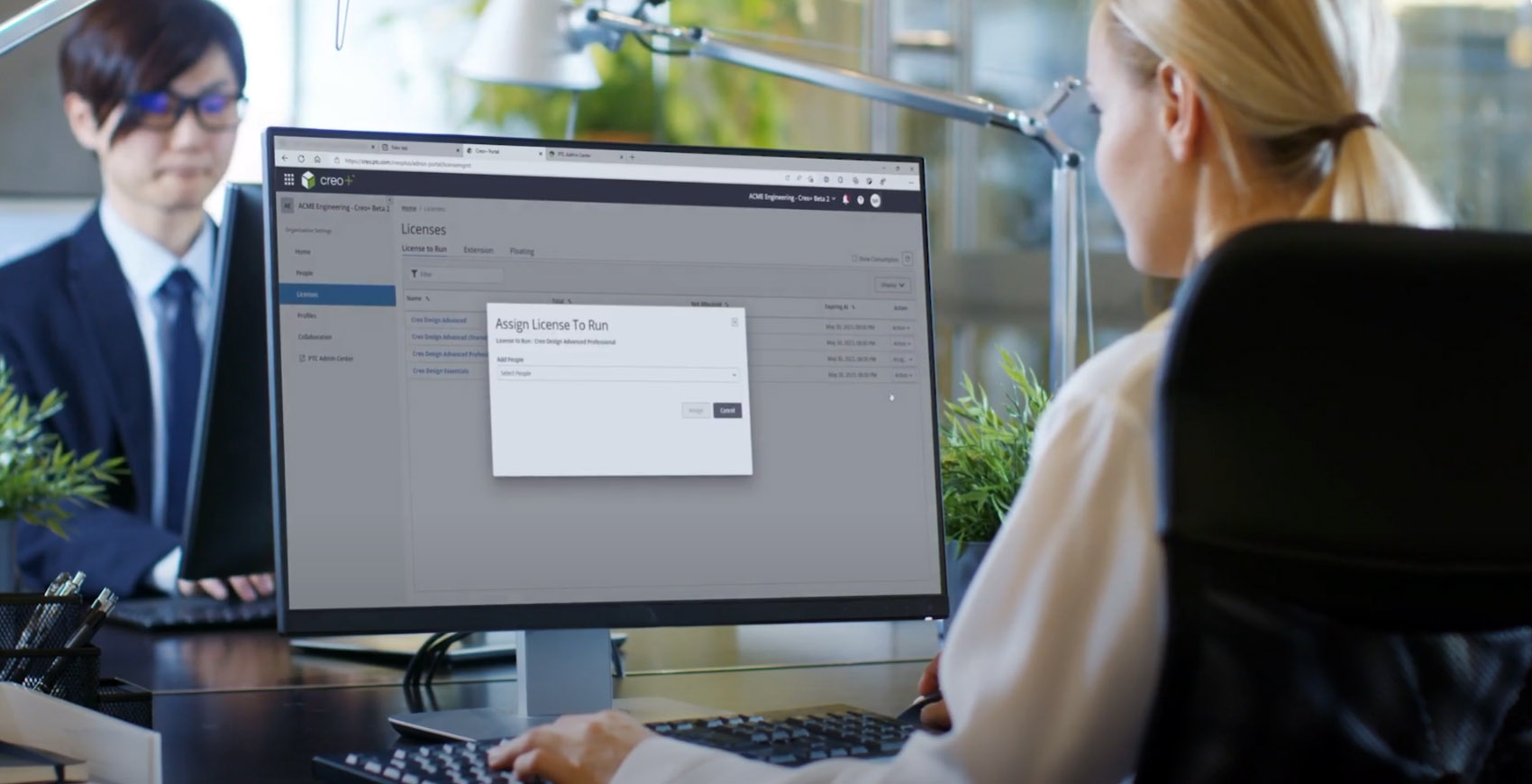
Creo+ is the SaaS version of
PTC’s flagship Creo CAD system, delivering cloud-based tools for real-time
design collaboration and streamlined license management. This case study covers the full product
lifecycle,
from ideation and prototyping to user research and execution.
Problem Statement
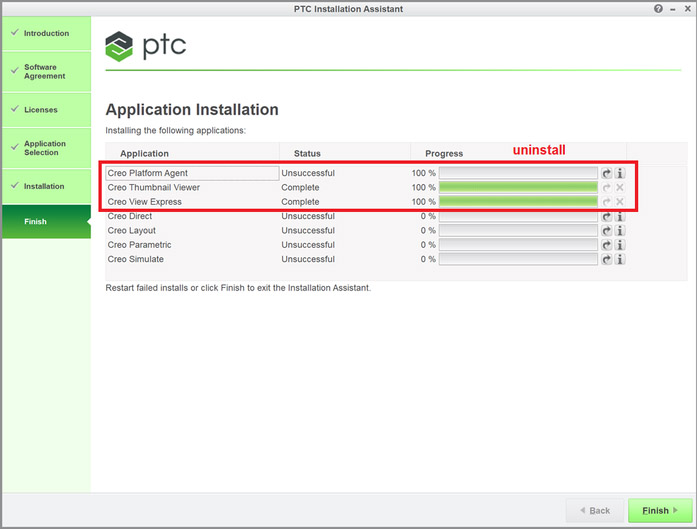
The Creo on prem installation process is cumbersome and timely.
CAD administrators must install, deploy, and manage their own licenses, distributions, and configurations. This requires downloading files from the license service and manually installing Creo on each end user’s machine.
PTC does not provide direct support for installation and deployment, leading admins to rely on third-party tools or develop custom scripts to copy configurations and licenses to user machines. .
Costumers spend considerable time and money dealing with the issues which they need to support and manage themselves.
Goals
Business Goals
Reduce technical support calls caused by the complex installation process
Provide a simple, user-friendly approach to configuring Creo
User Goals
Lower the cost of supporting Creo by accessing the latest version easily
Gain a flexible, scalable offering hat improves ease of use
LeverageCreo+ for real-time design collaboration
Design Goals
Define & design a streamlined workflow for licensing and distribution
Align with PTC’s design system while preserving Creo’s look and feel
Creo Users
CAD Admins
Set up and govern Creo company-wide to enforce standards and support efficient engineering.
Customize and deploy Creo
Manage users, licenses, templates, and data
Enforce standards and best-practice workflows
Design Engineers
Use Creo to design various of products, from computer mouse to helicopters
Create precise 3D models and assemblies
Work independently or in teams on design tasks
Validate designs using built-in simulation tools.
Creativity within constraints
Challenges
Balancing user mental models with a new workflow.
Creo has been on the market for over 30 years, and its users are deeply accustomed to established processes. Transitioning to SaaS required minimizing friction while bridging familiar habits with new methods.
Aligning with the PTC design system
Creo’s complex, on-premise interface has a distinct and well-recognized look. The challenge was to maintain Creo’s identity while aligning with the PTC design system for consistency across the suite.
Development Constraints
Designing a streamlined, user-friendly workflow from start to finish while working within technical limitations posed significant challenge
Ideation and Design Process
Research Methodology
Benchmarking
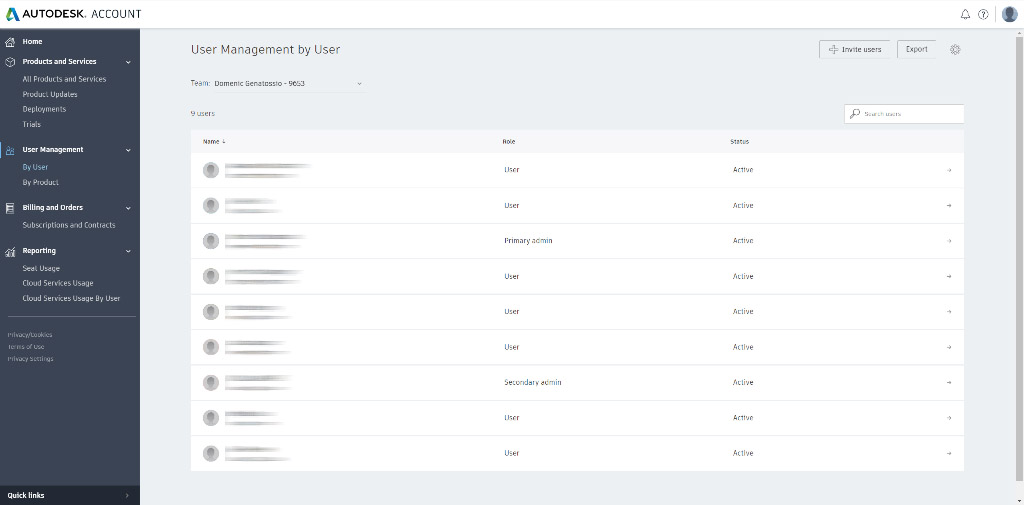
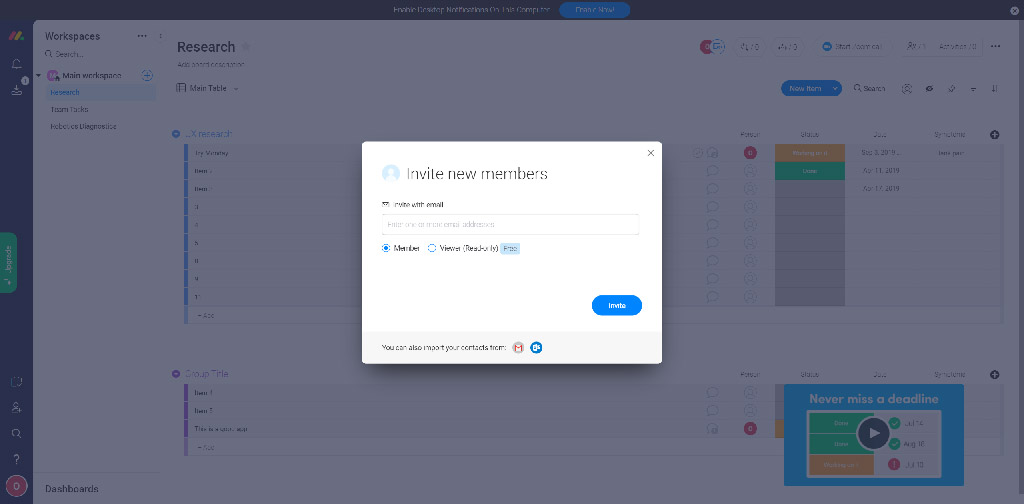
I focused on SAAS product, spcifically products with users’ management capabilities, and mapped their flow and look-and-feel.
Autodesk User Management
Monday User Management
Stake Holders' Interviews
Stakeholders are a key knowledge source. Most have strong mechanical-design backgrounds and a clear view of admins’ needs and pain points:
Admins struggle with licensing and configuration – the process is complex and often requires PTC support.
License distribution and configuration aren’t unified – they need a simple way to copy and deploy required files and settings.
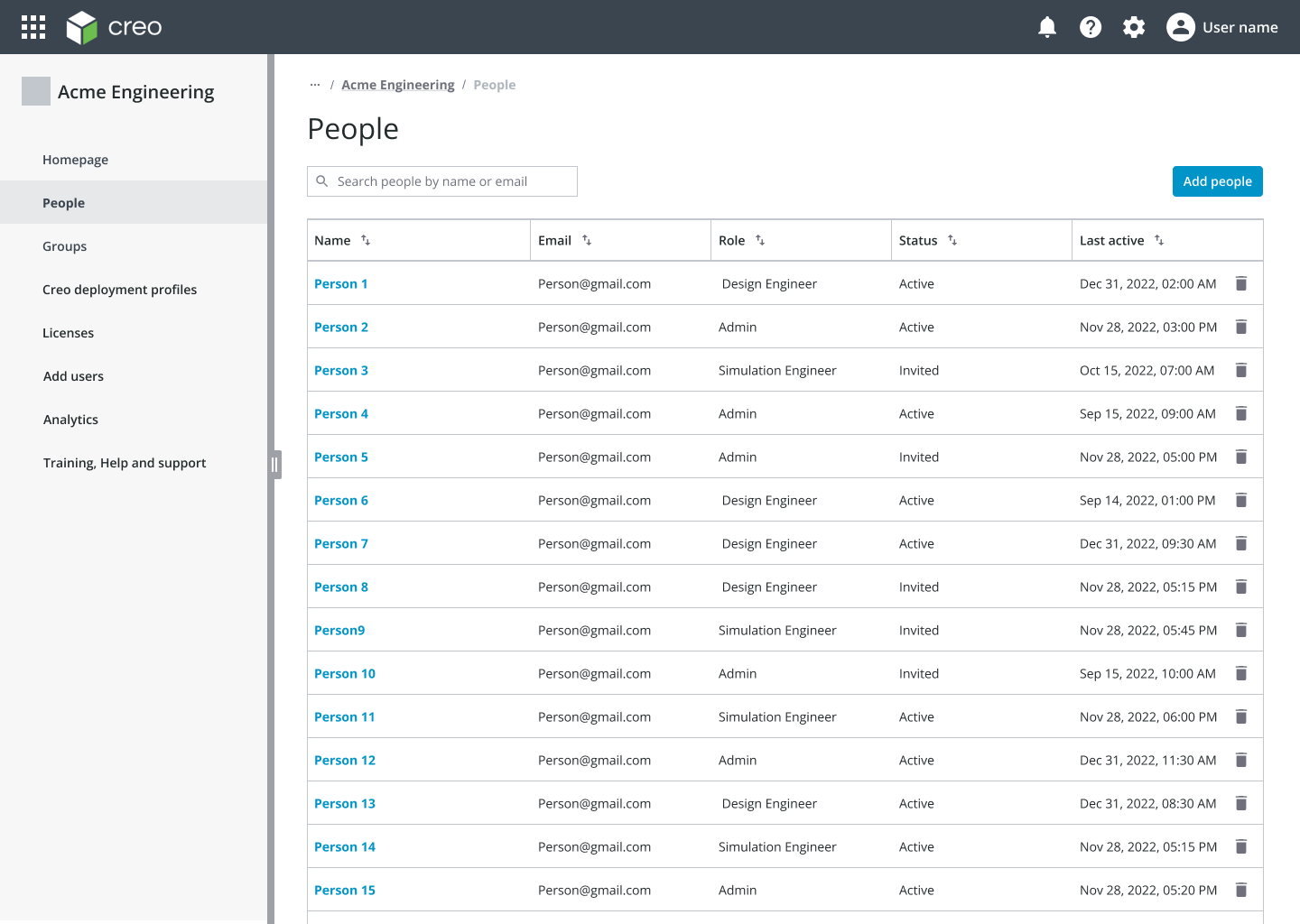
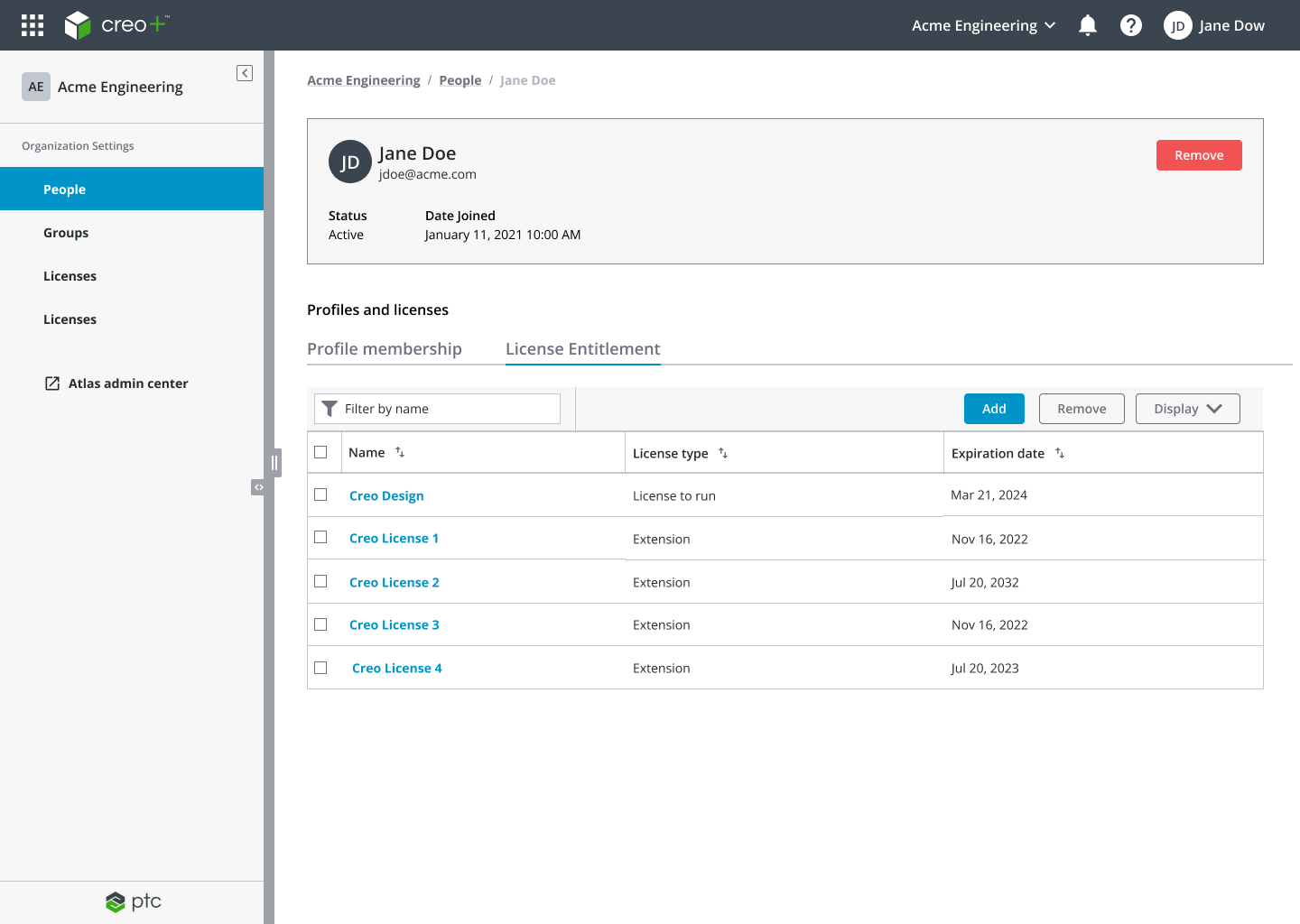
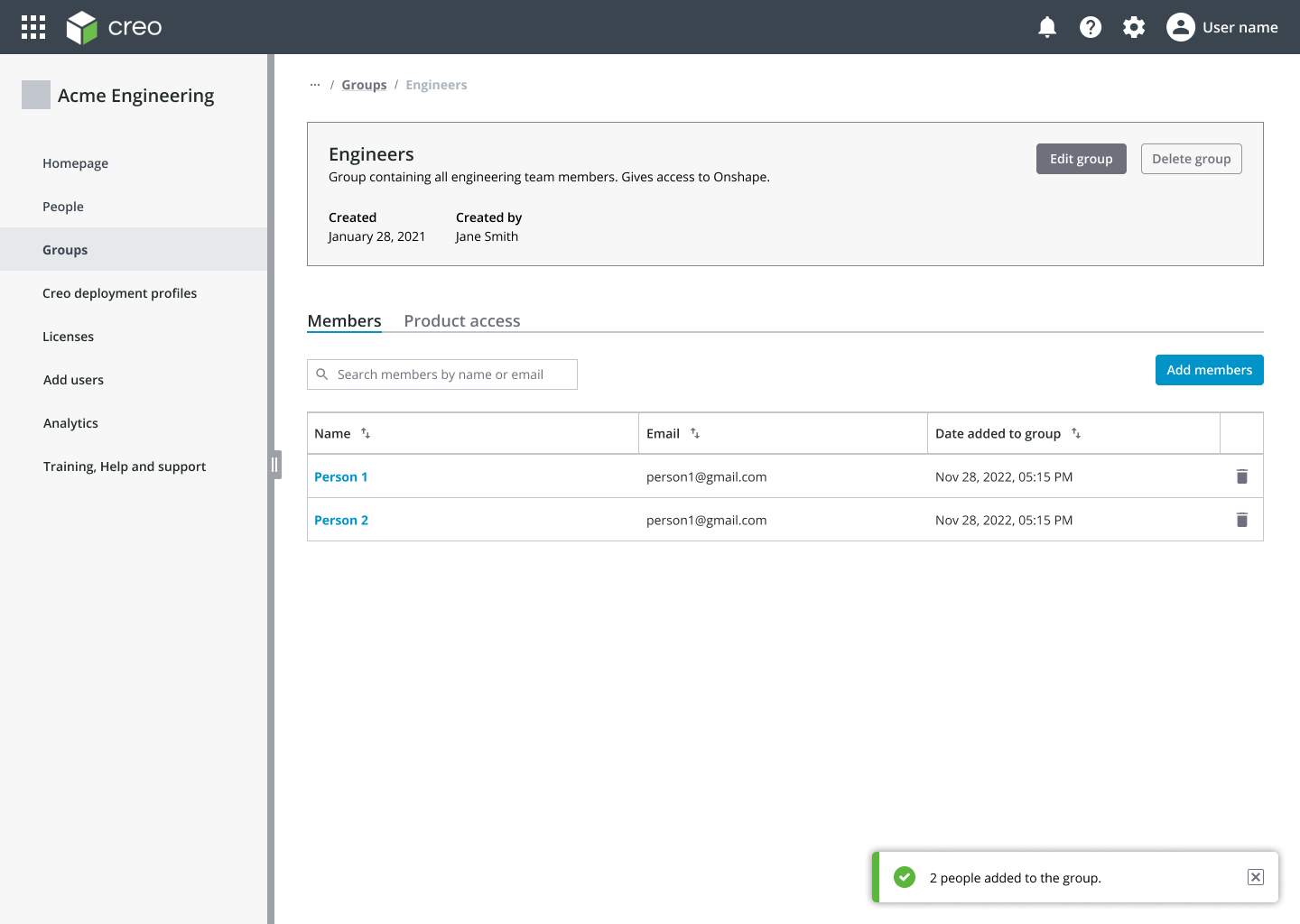
CREO+ Admin Portal
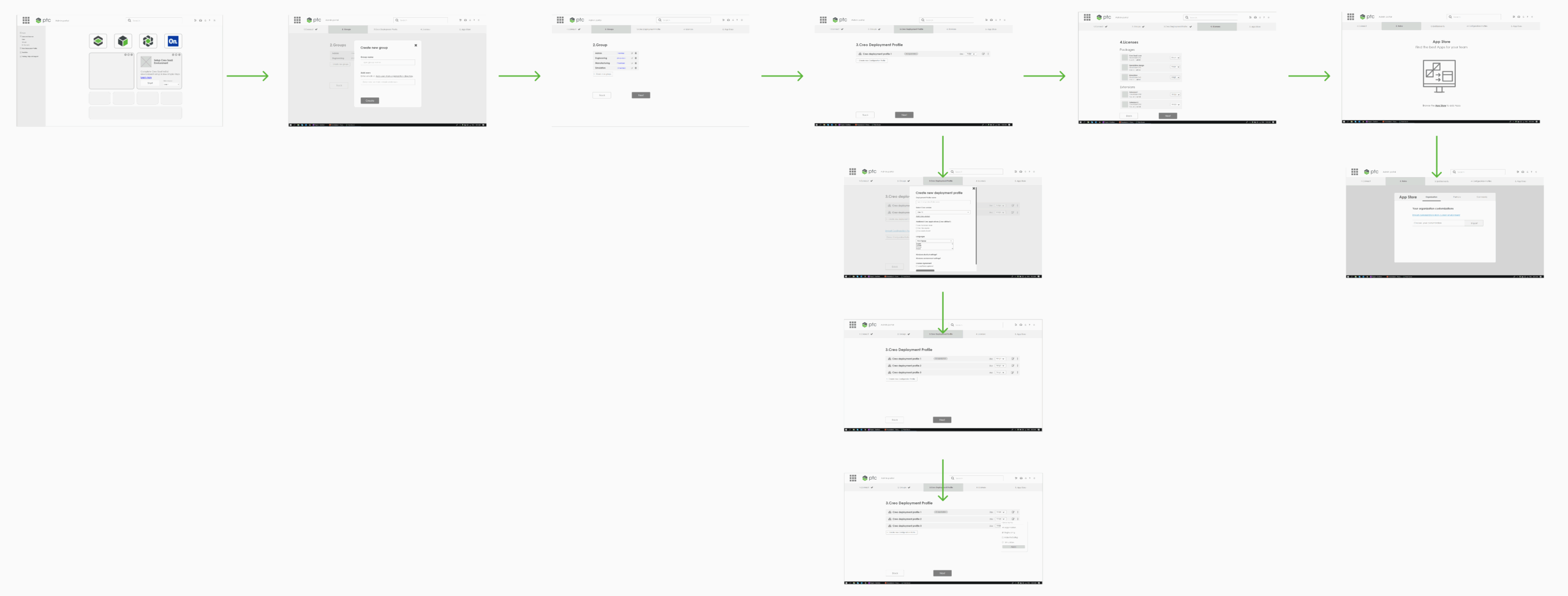
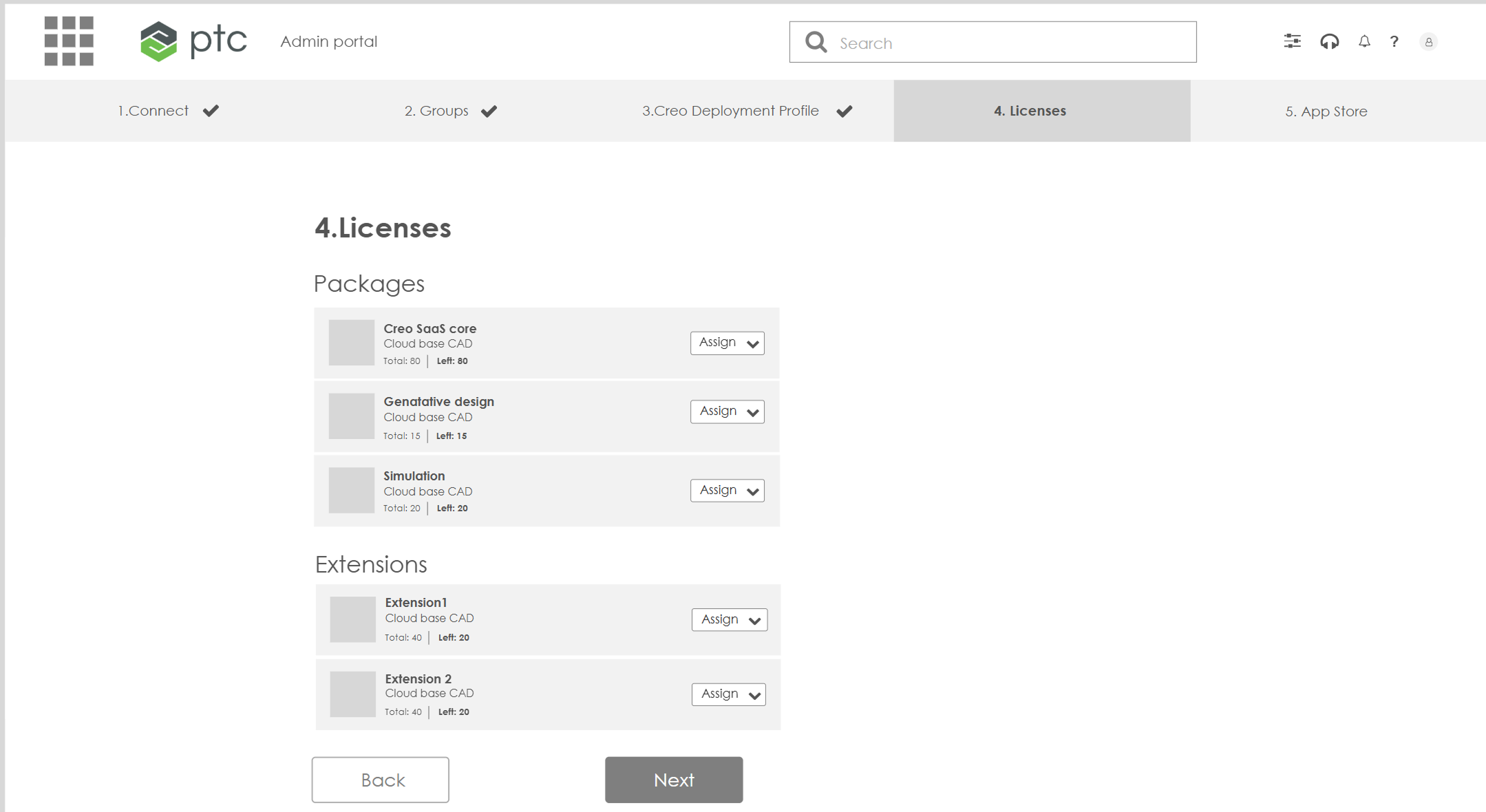
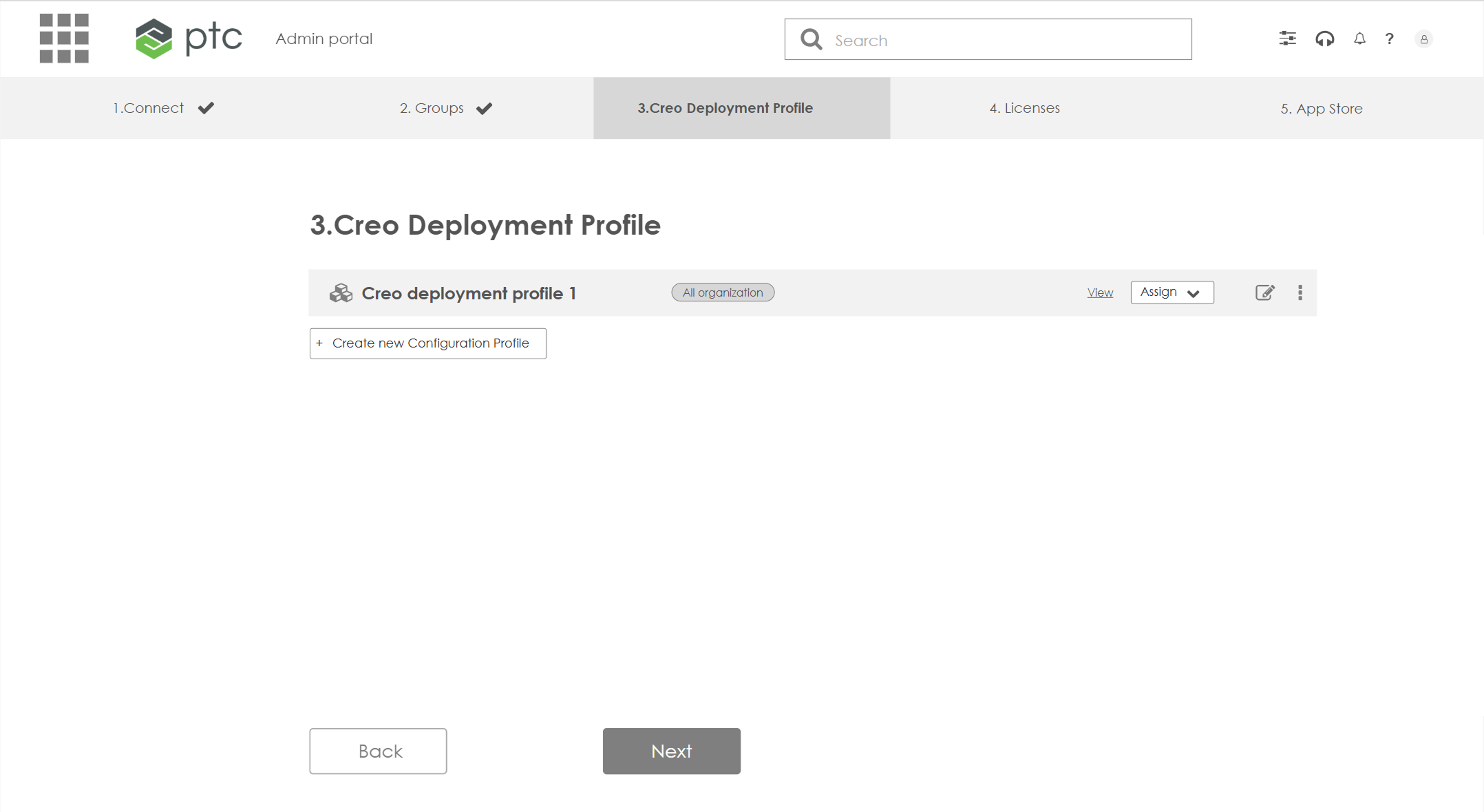
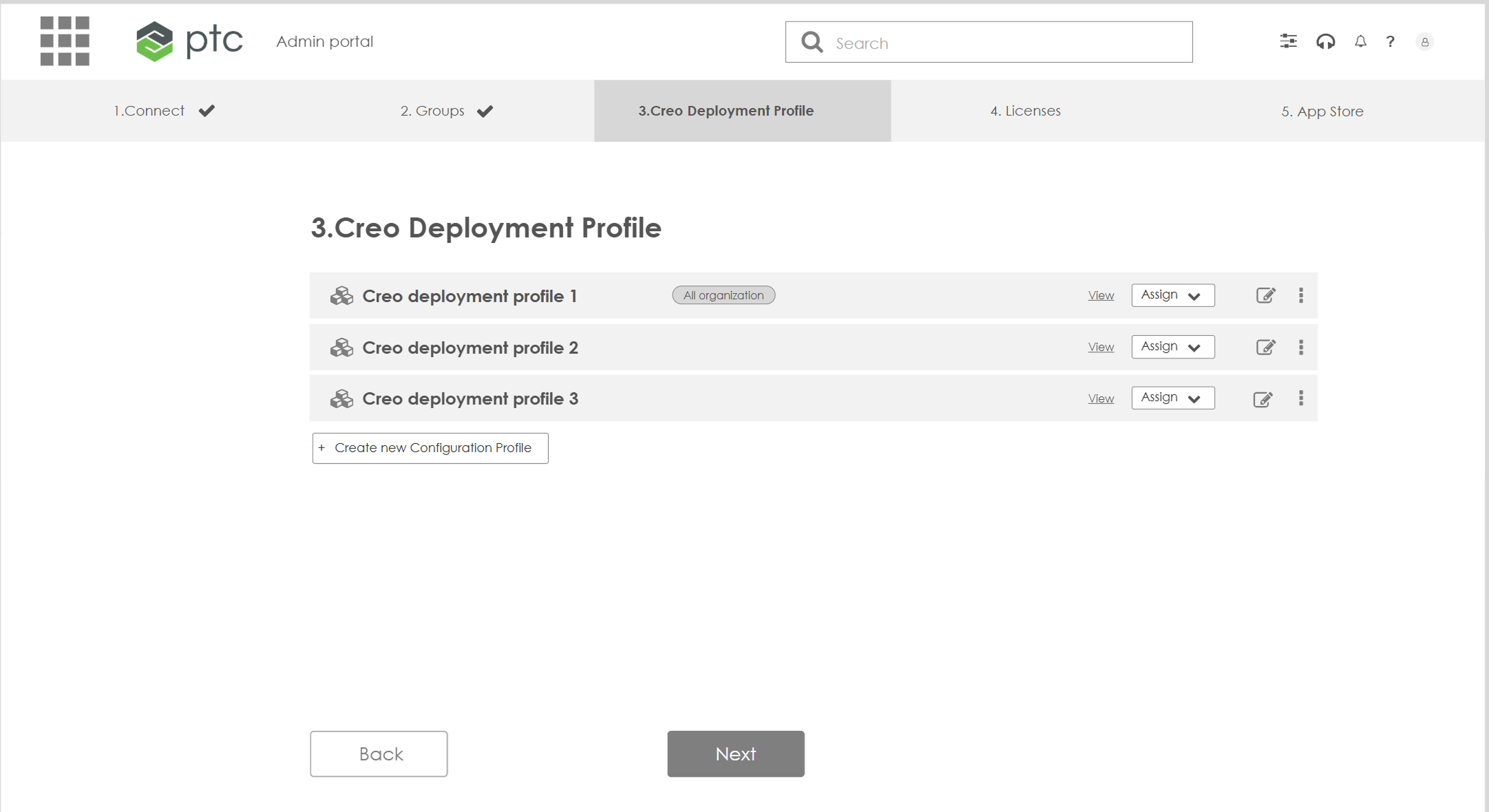
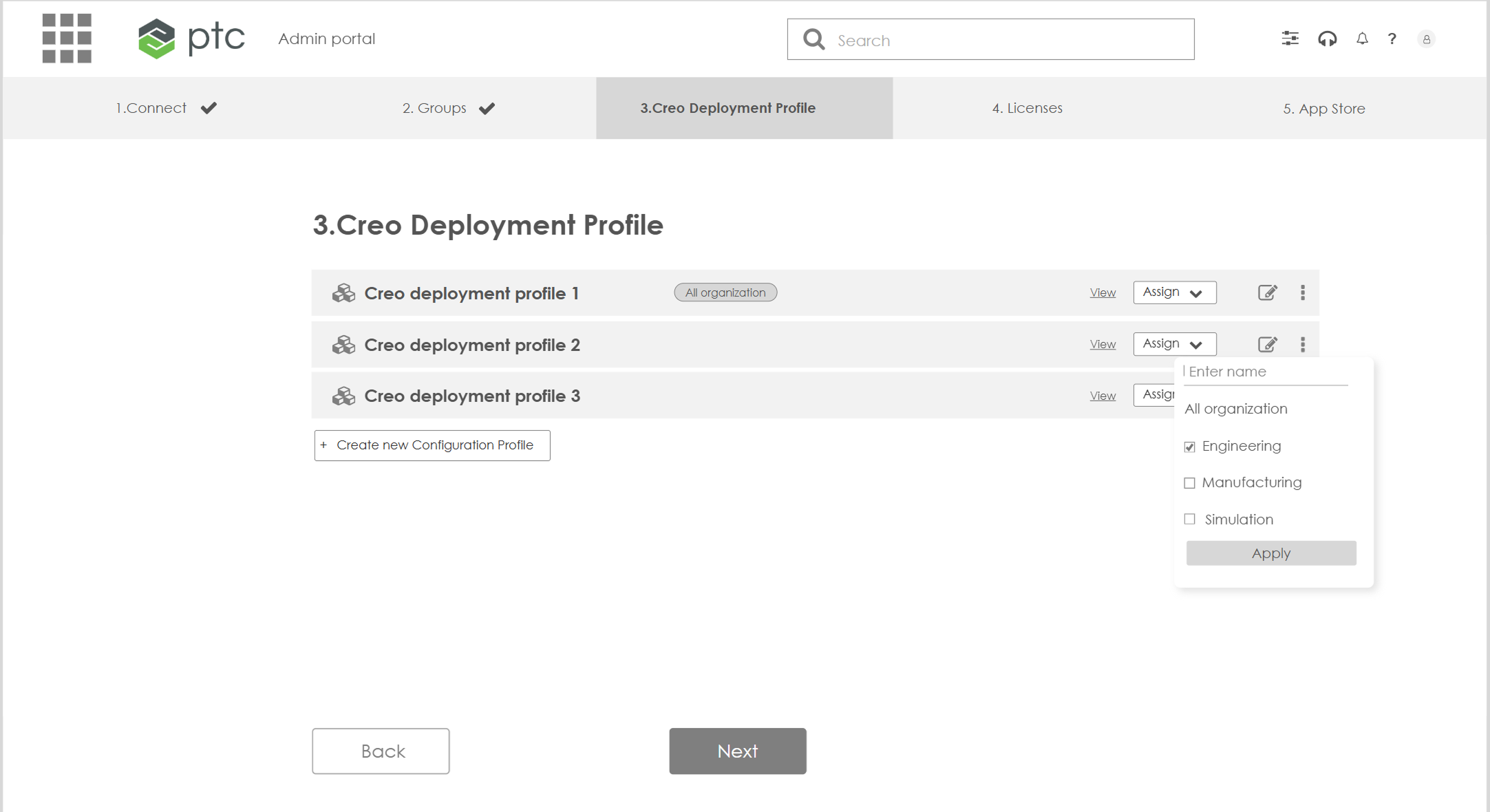
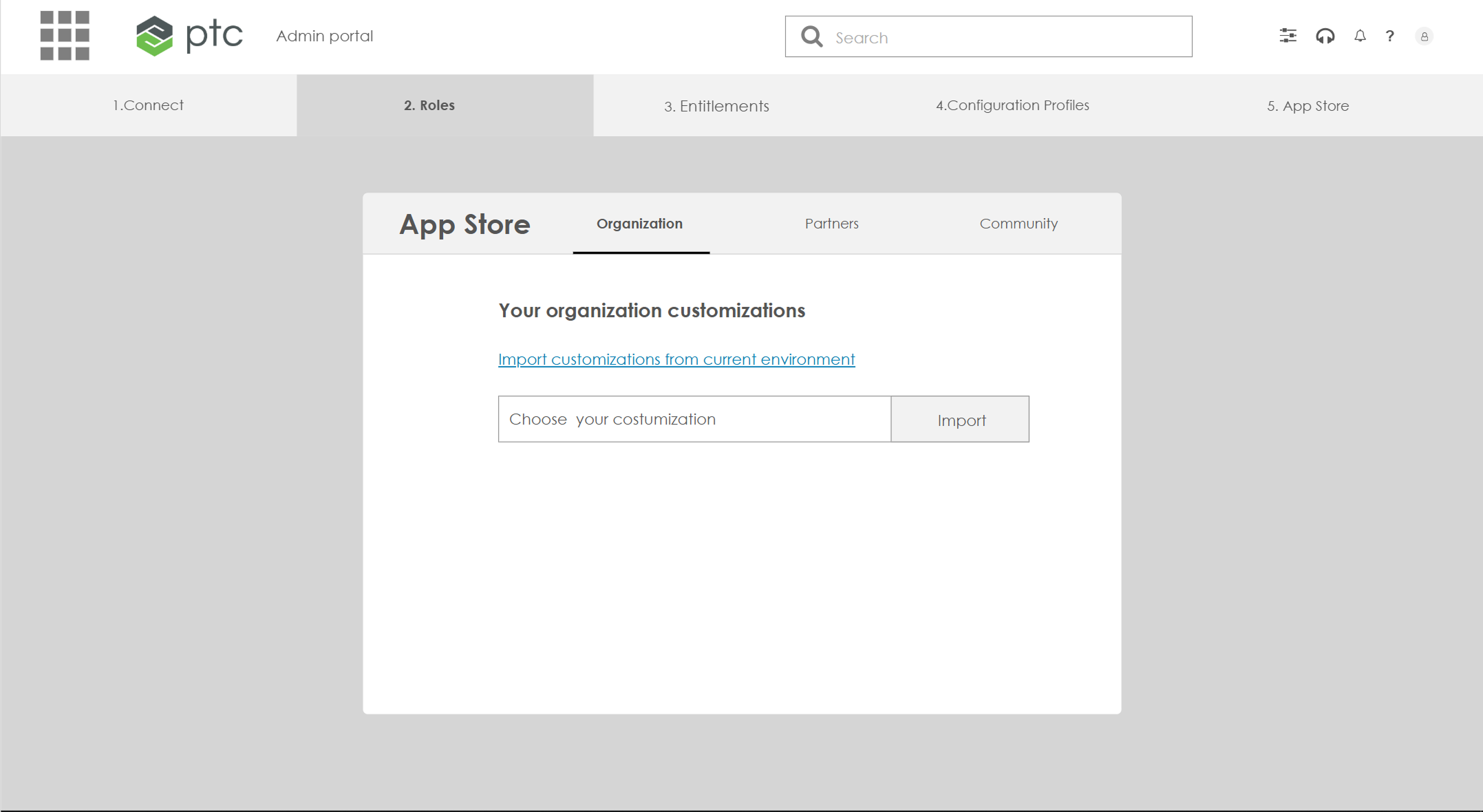
One streamlined workflow from start to end
From Design to Development
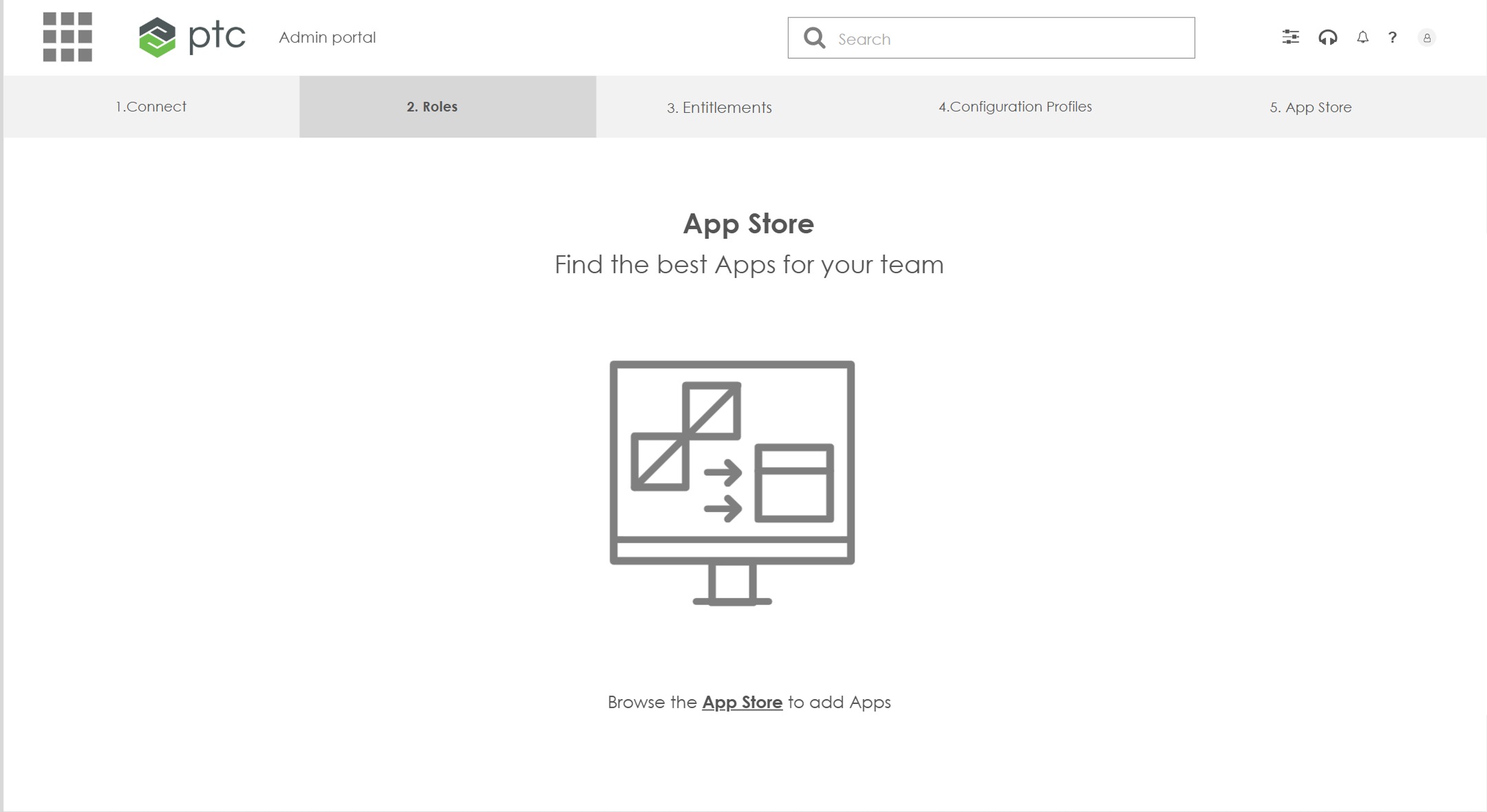
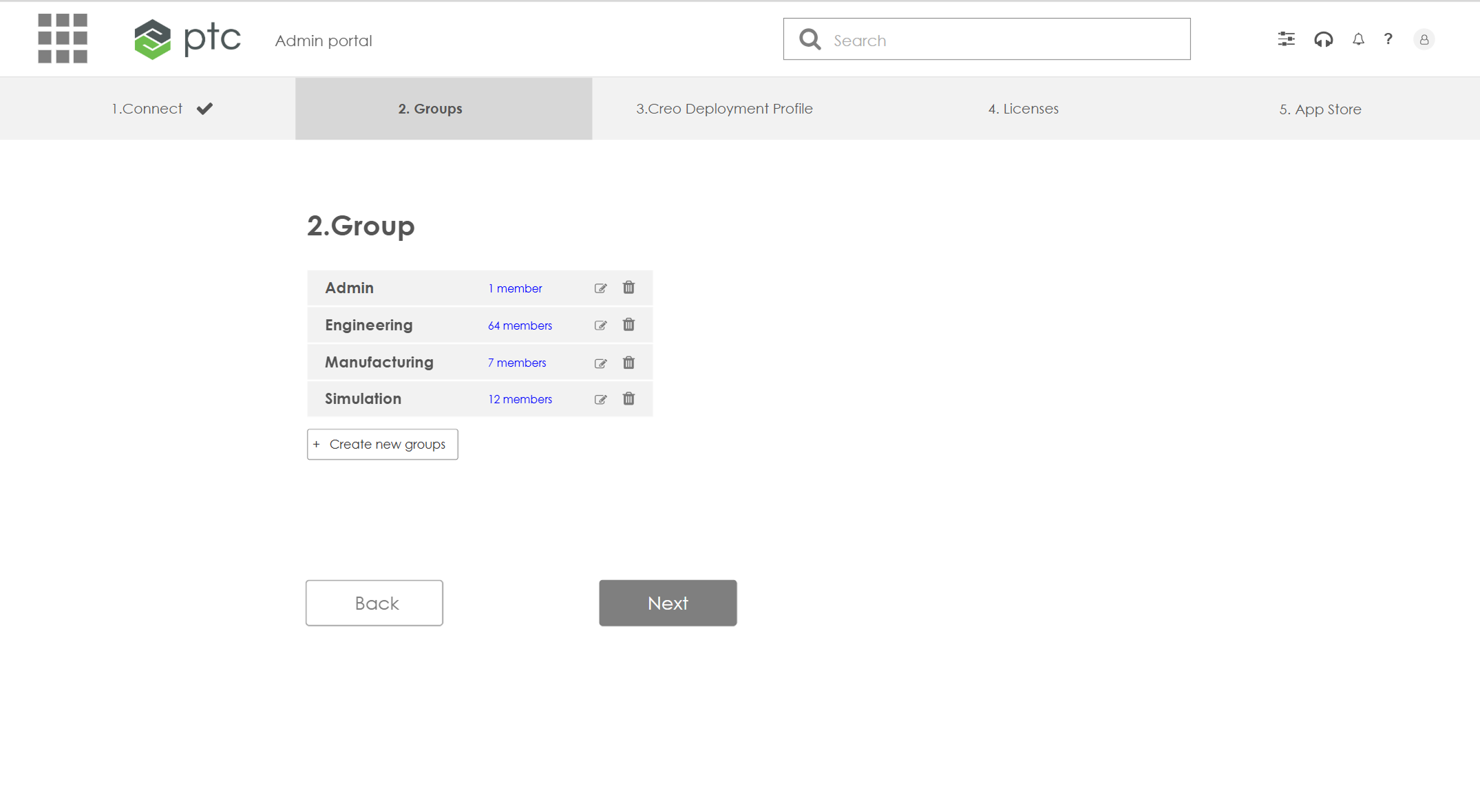
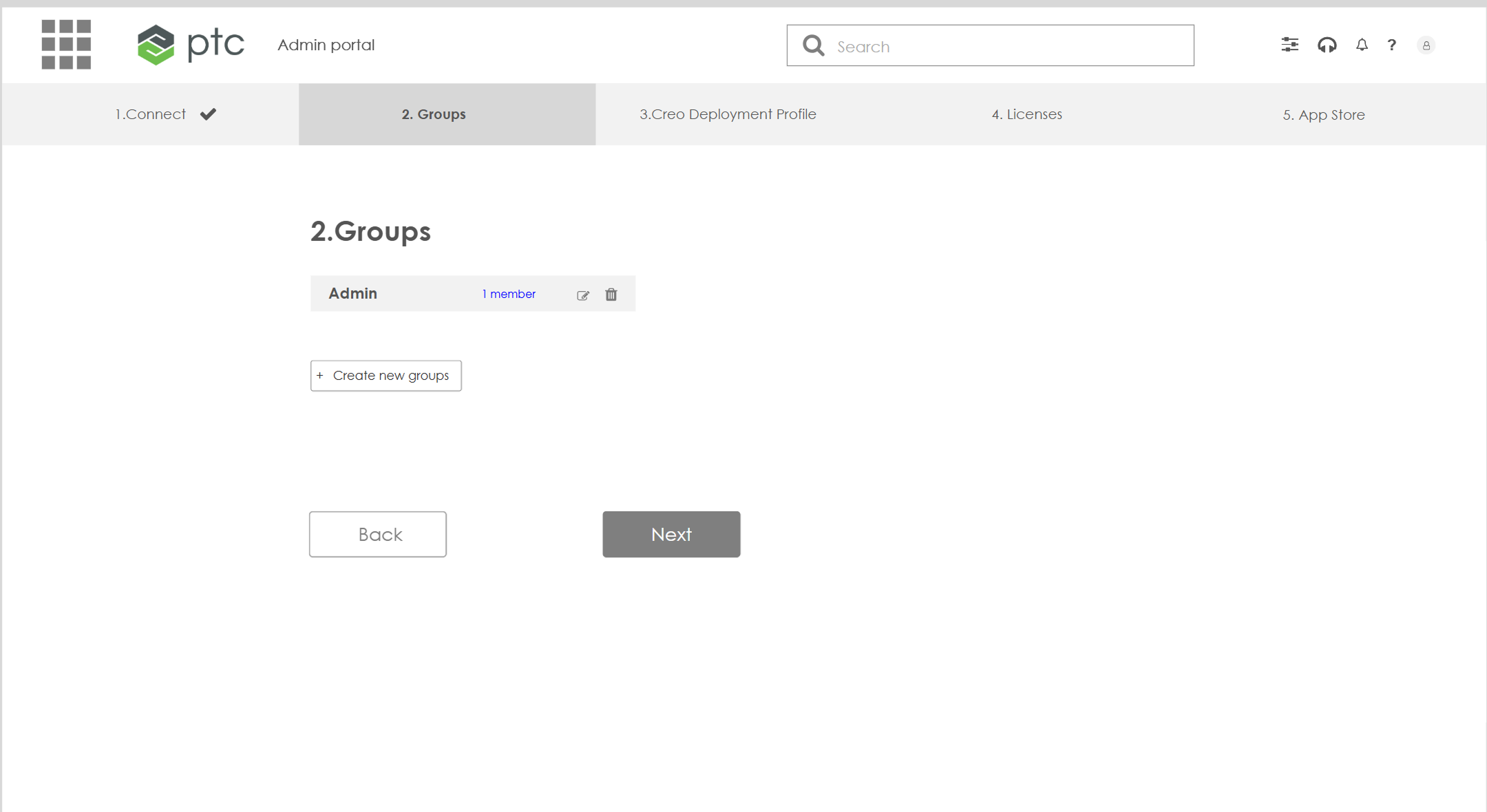
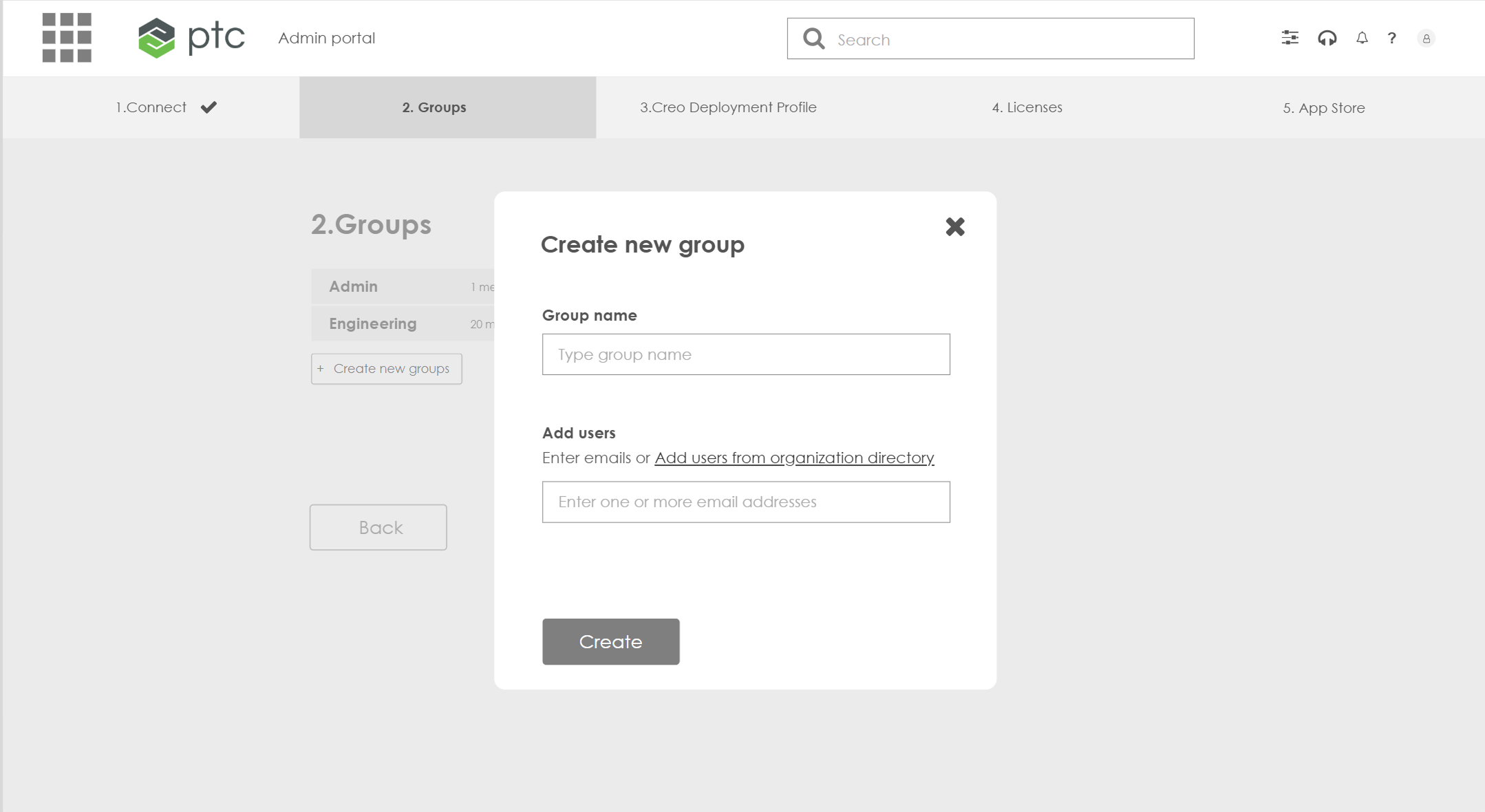
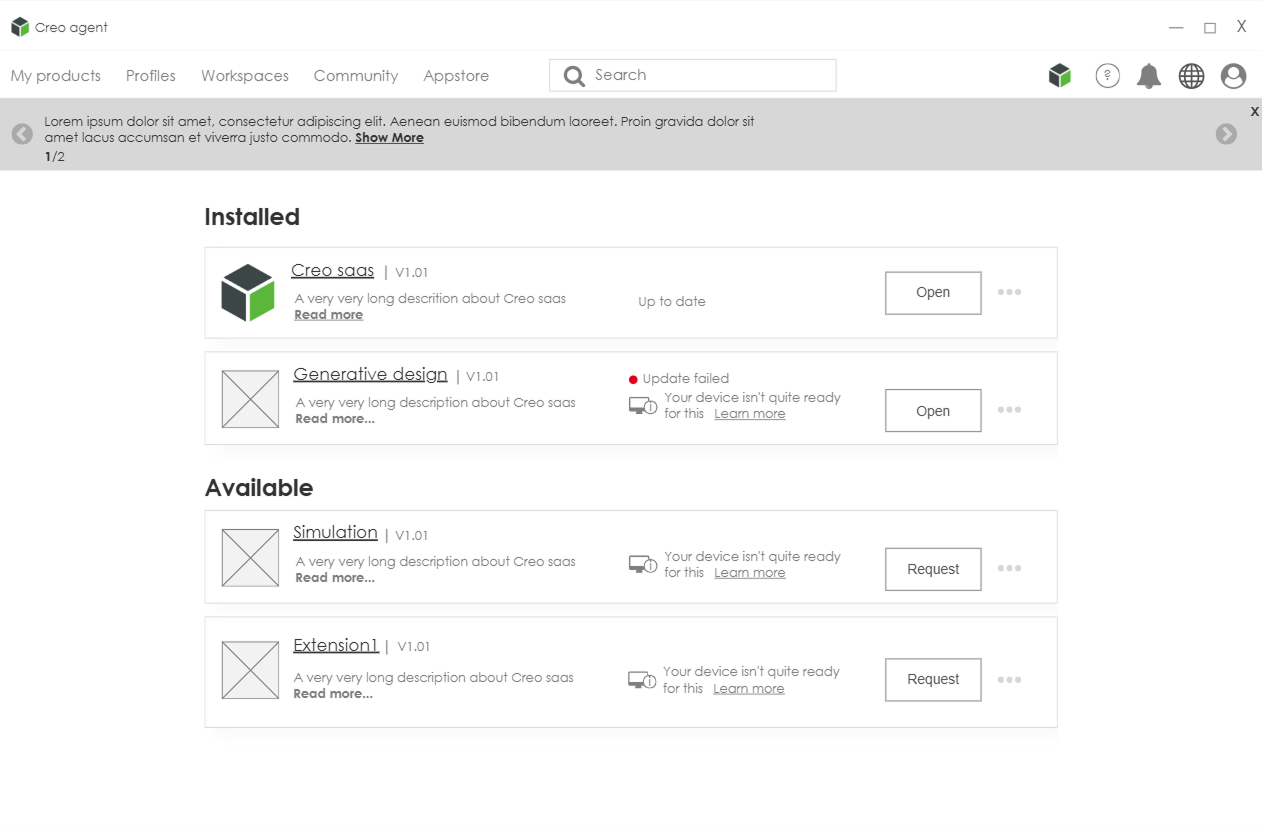
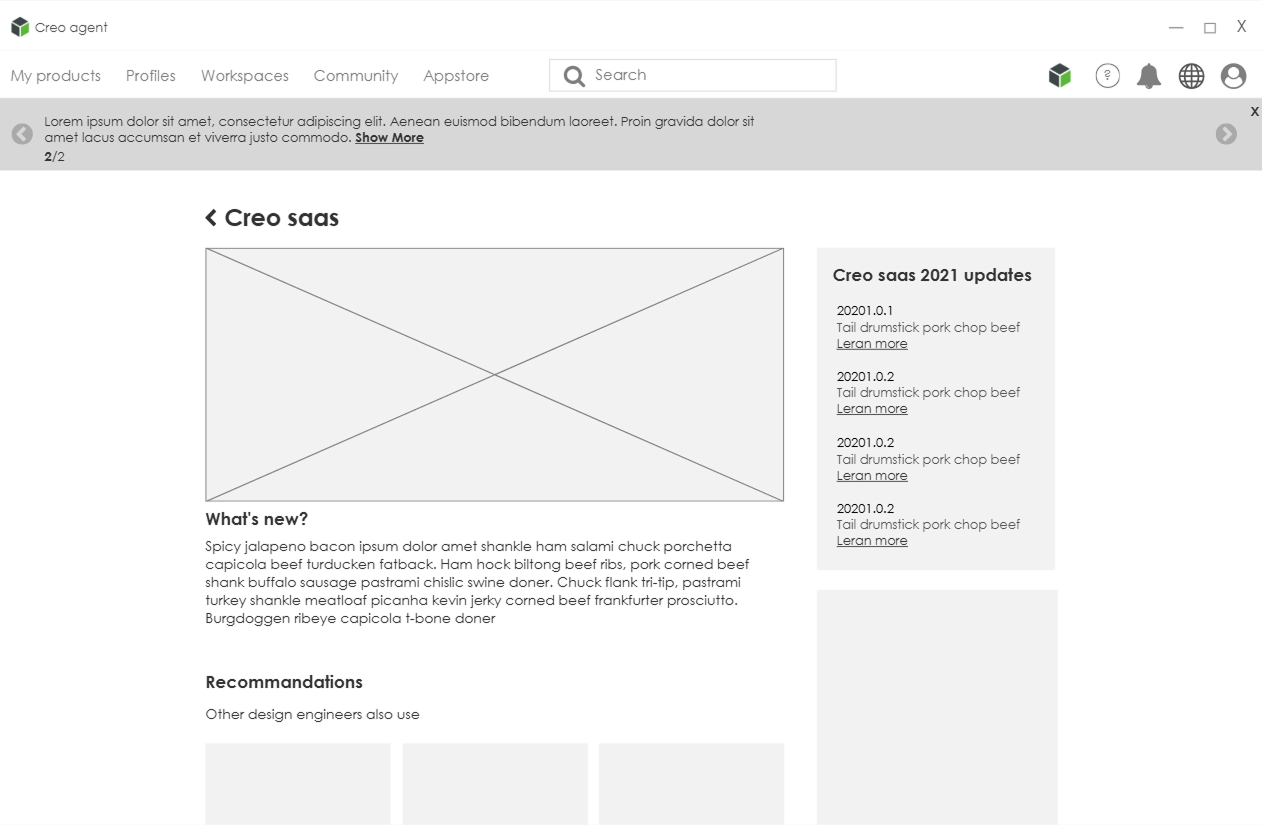
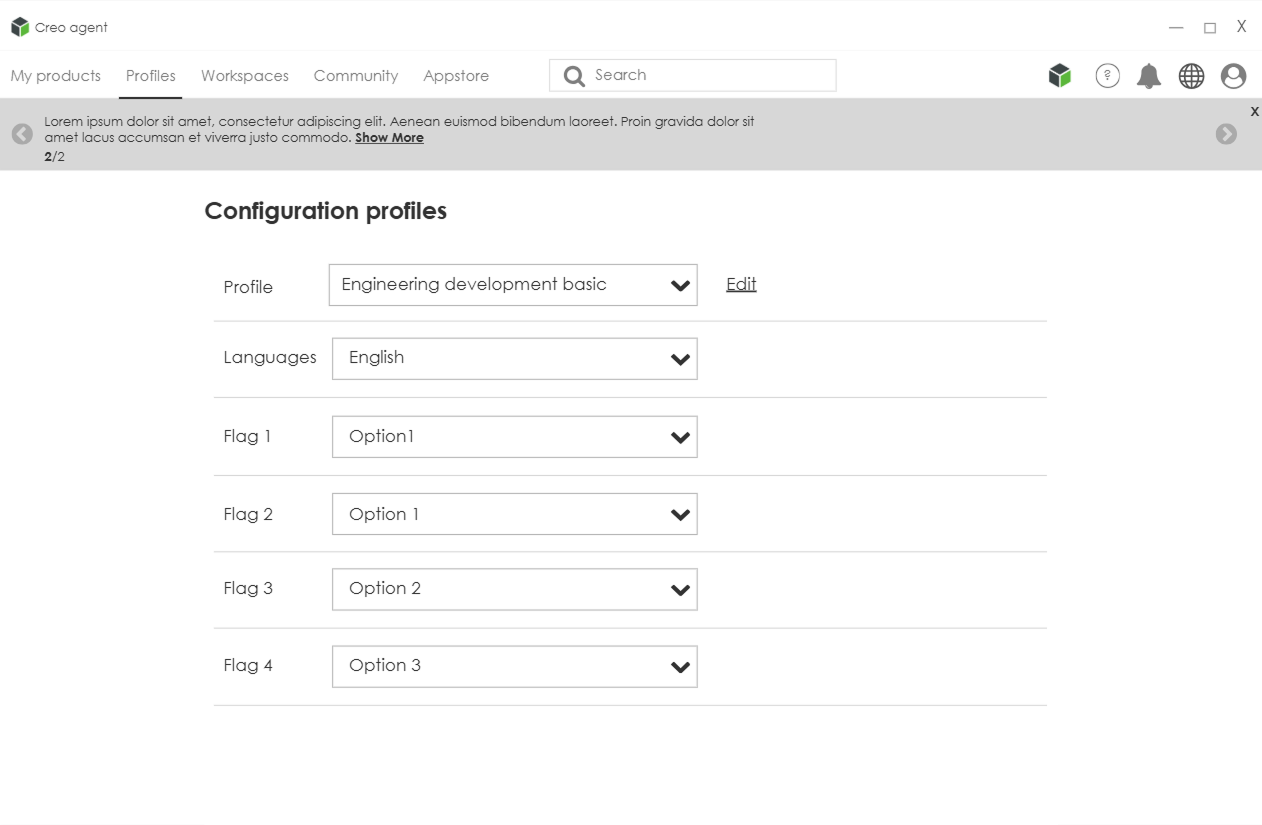
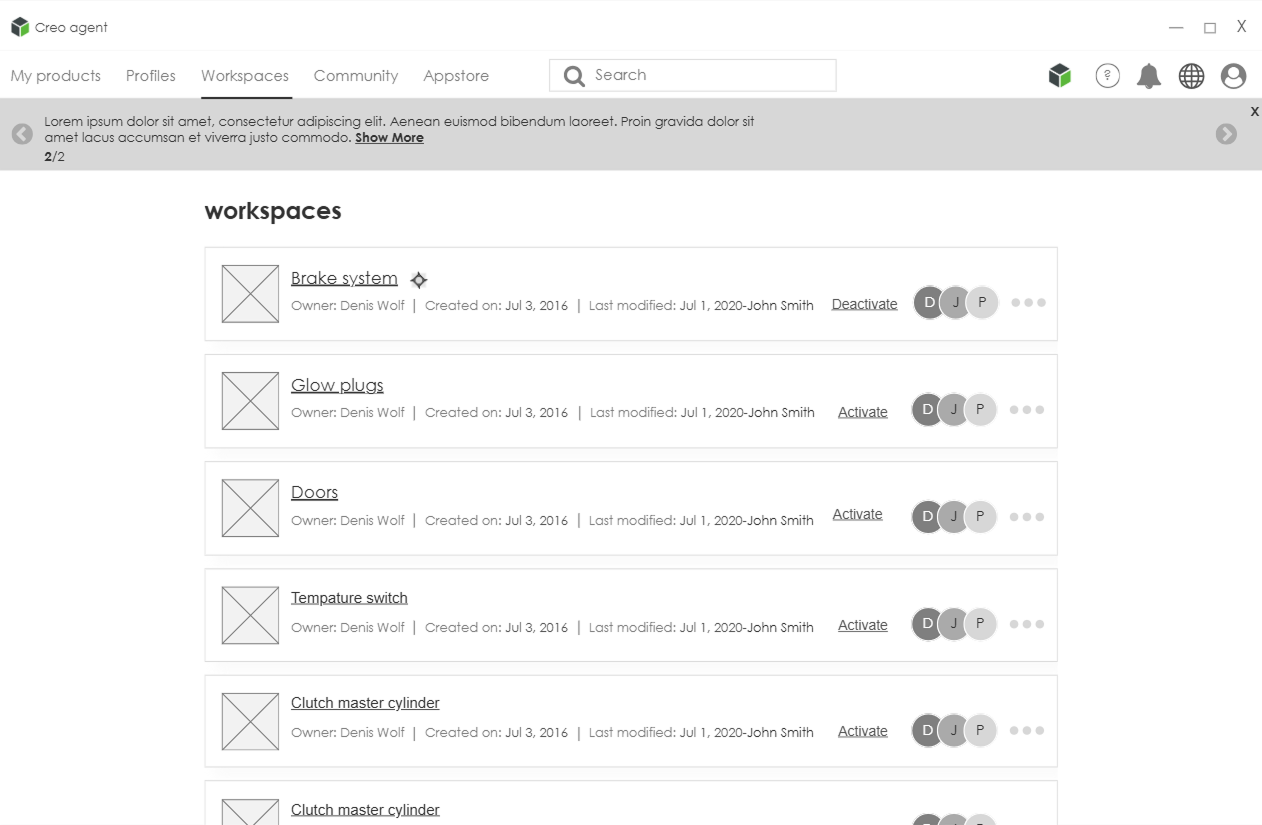
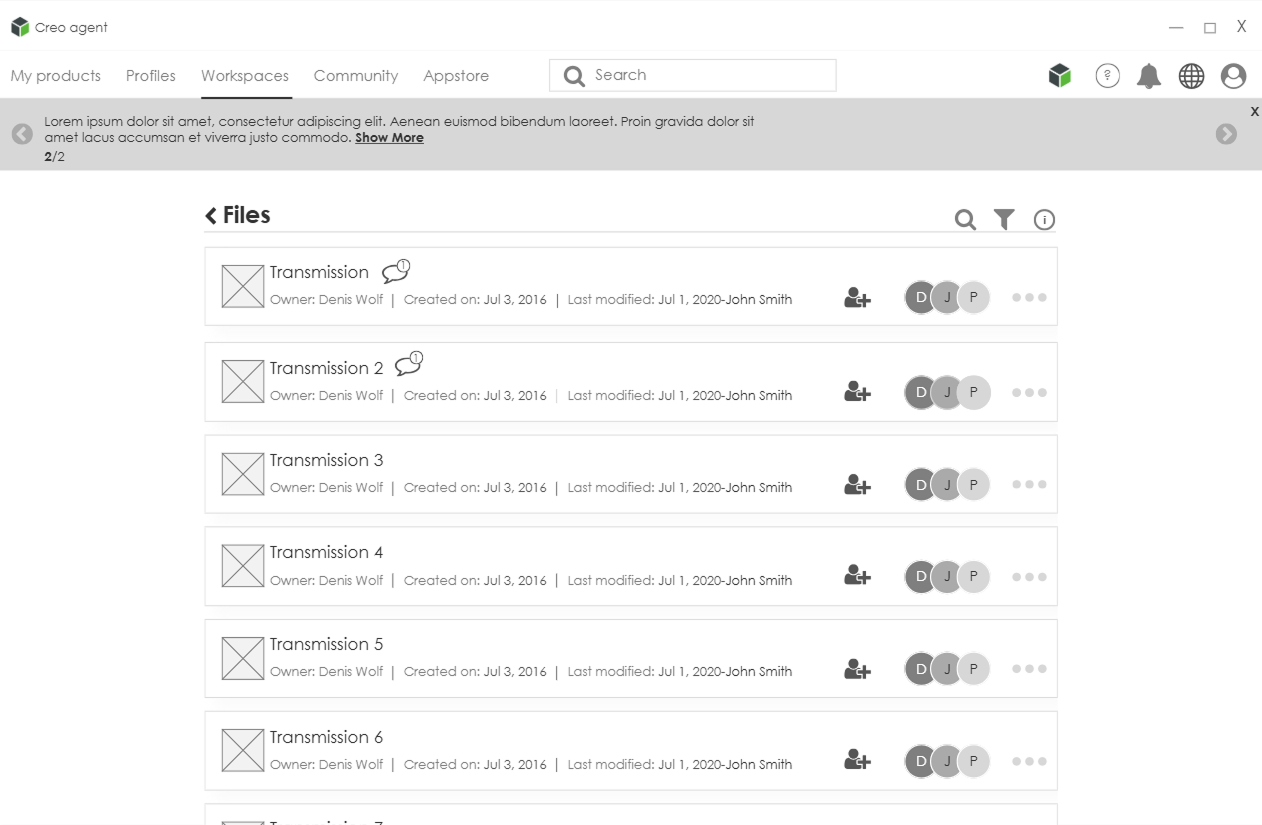
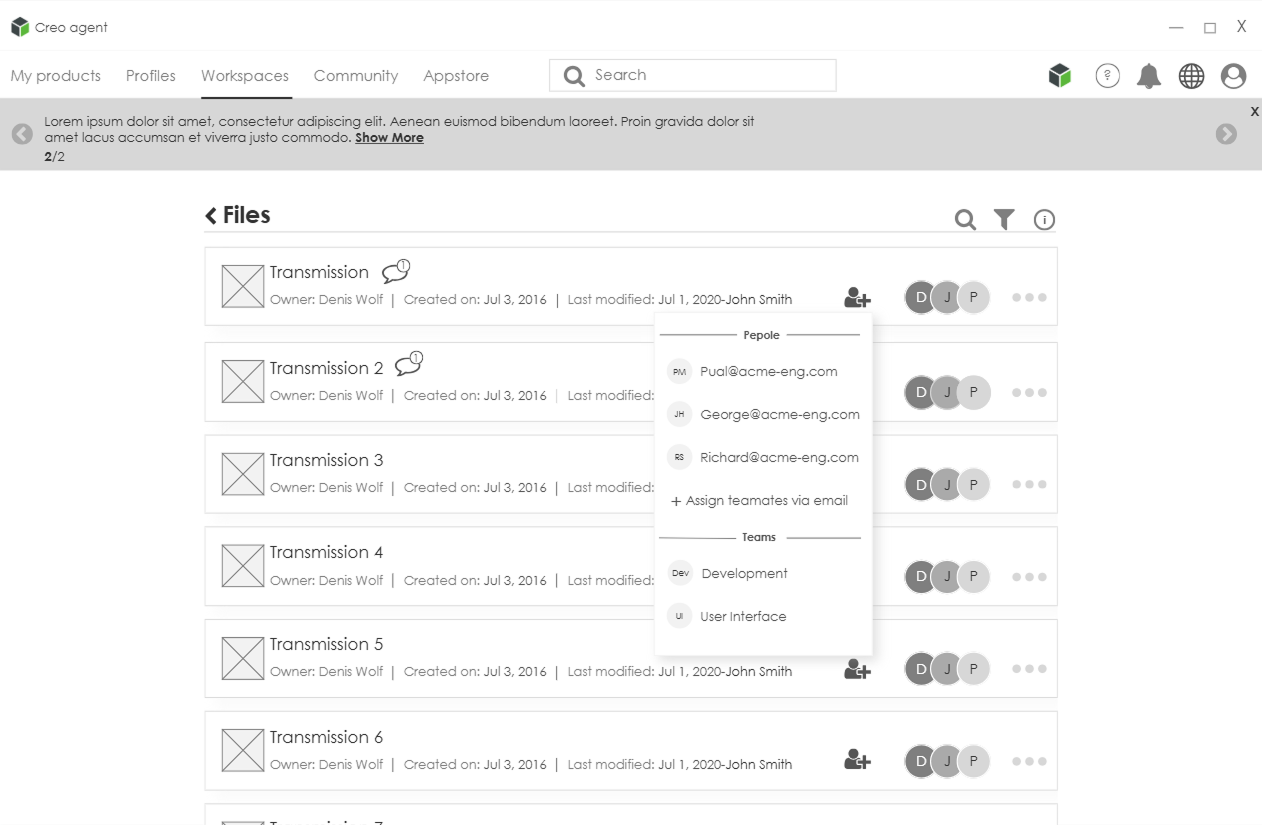
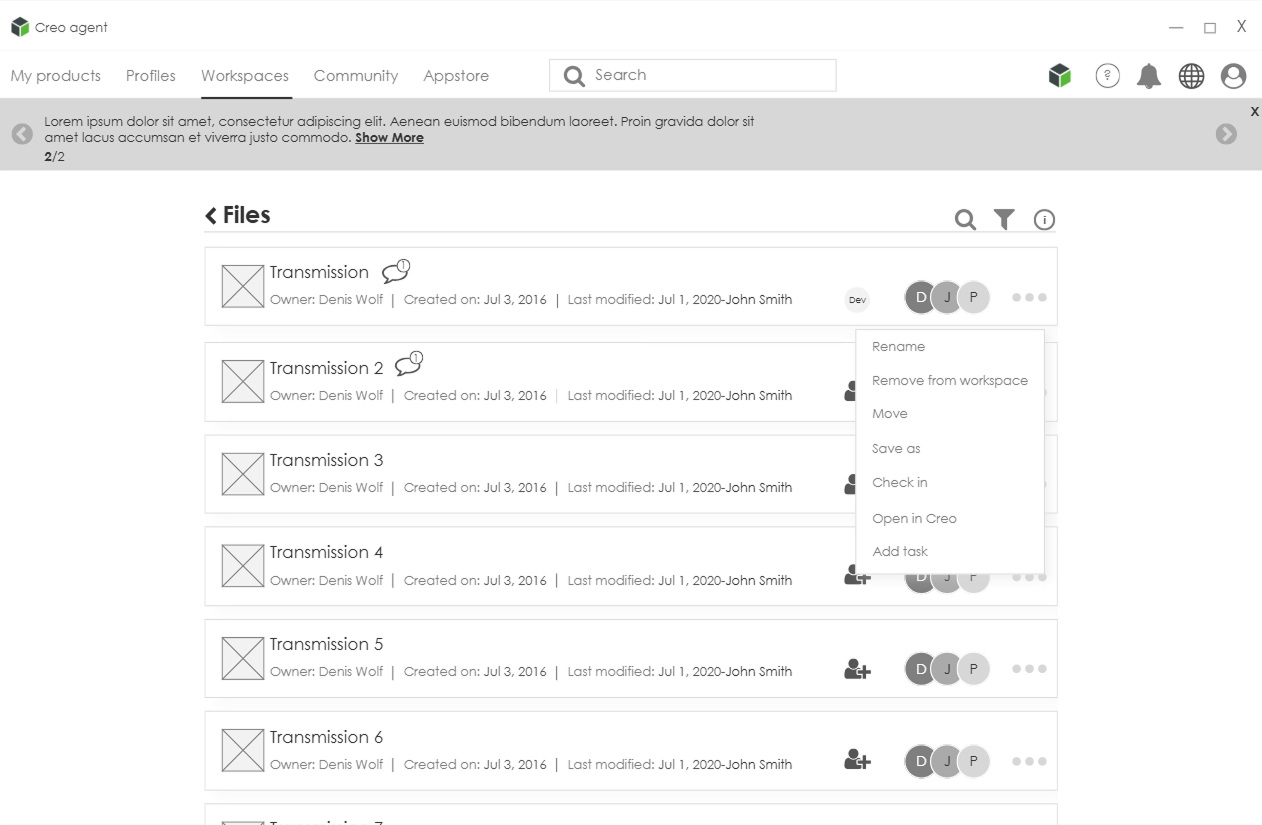
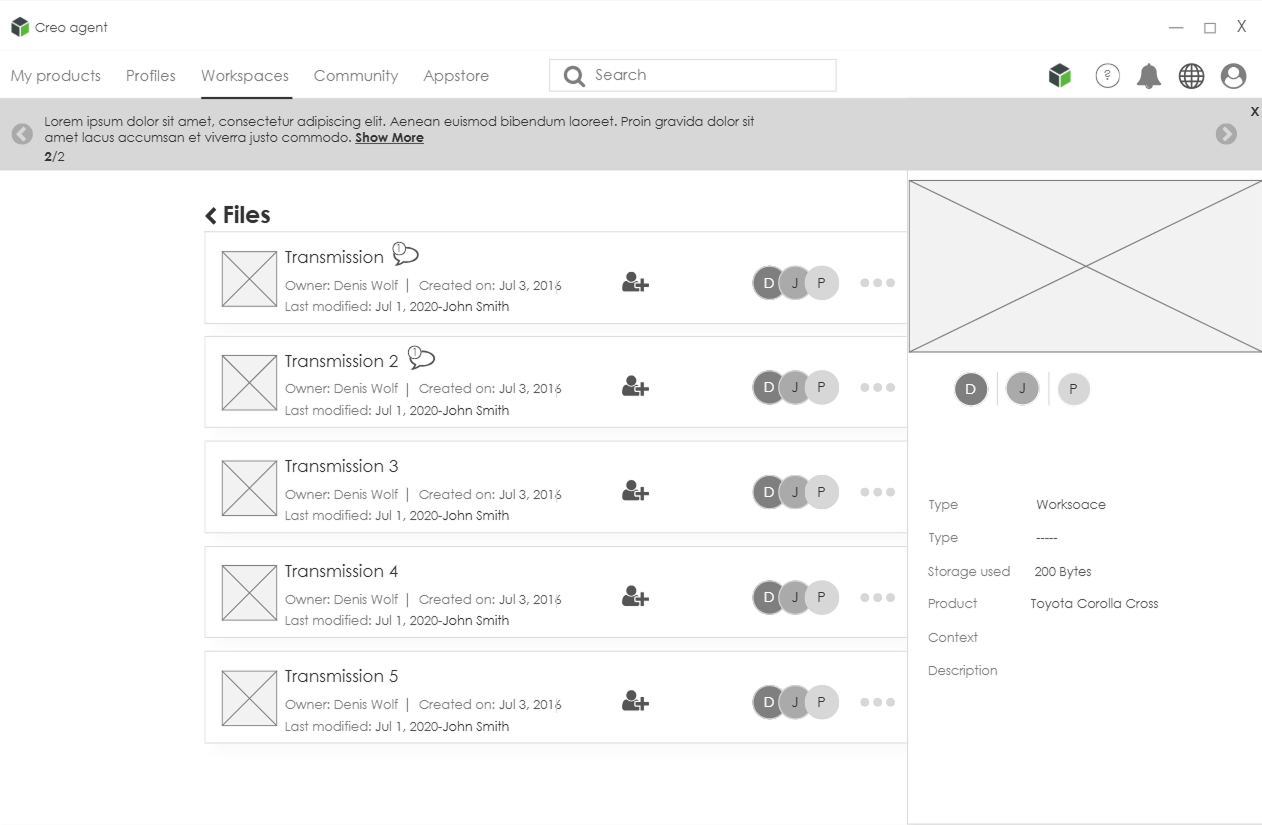
01. Wireframes
02. Interactive Mockup
The interactive mockup was tested on a focus group of admins
Key Findings
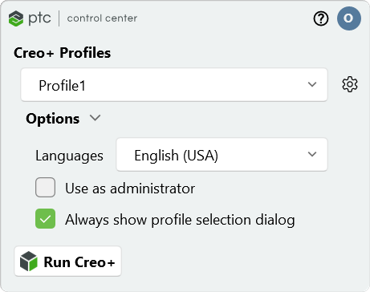
PTC Control Center reduces the need to build and maintain a custom “agent” An agent is a starting page with the company’s configurations which most copmanies currently deploy.
Creo distribution is easier Admins can deploy to many machines with less effort.
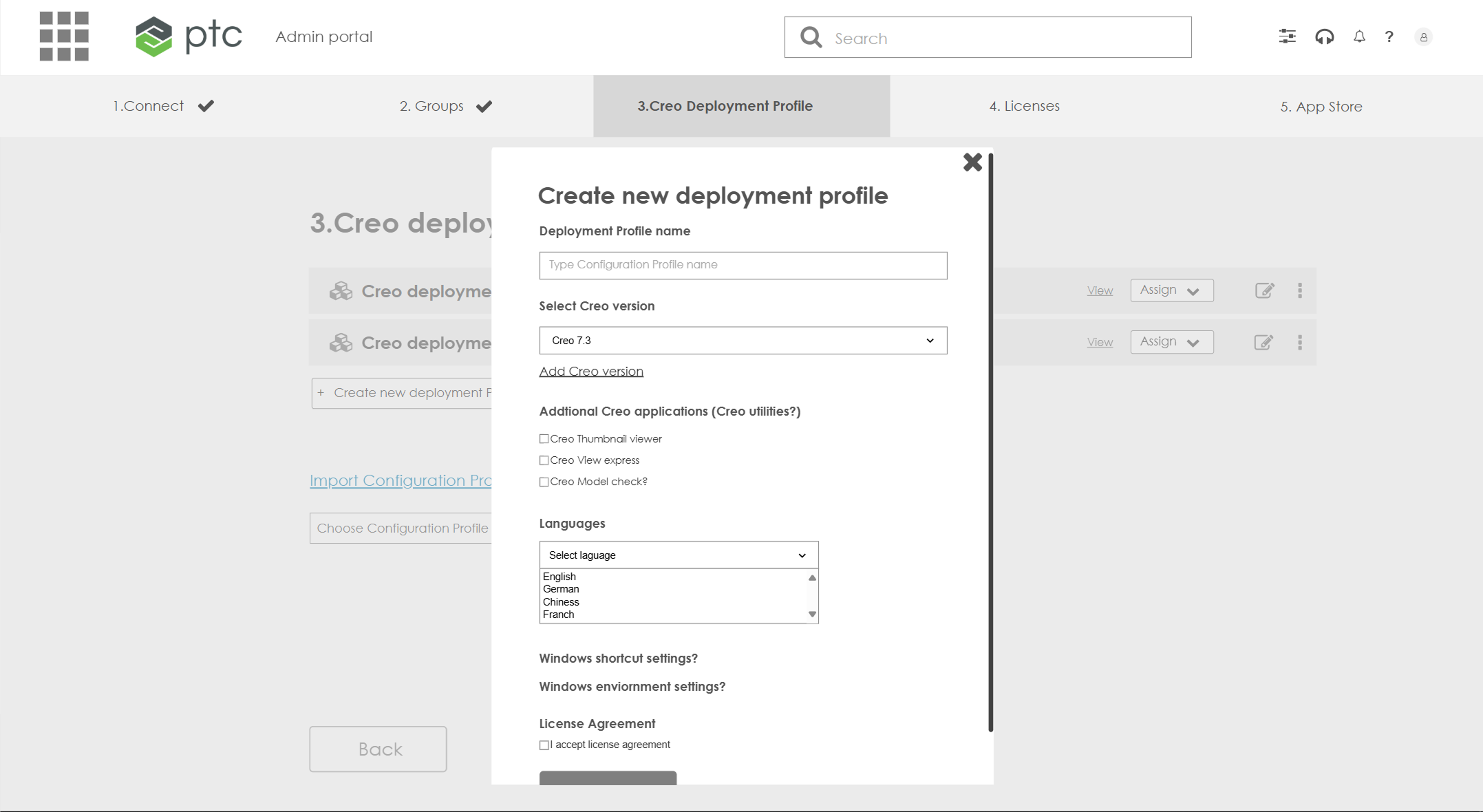
Deployment profiles clarify and standardize the install process
03. Live Software - Holistic Design
The final design was tested at PTC’s annual usability event, the company’s largest of its kind. There, loyal administrators get an early look at new features.
Key Findings
Admins want one environment Due to development constraints, user management and Creo configurations are in separate portals. Admins want a single environment to reduce friction and improve efficiency.
Help and guidance The Creo Admin Portal’s workflow is new and requires a learning curve. Admins requested built-in help to make the first-time experience smoother.
Visual identity Moving to SaaS requires a strong, distinct brand. Admins found the Admin Center and Creo Admin Portal too visually similar and asked for clearer differentiation.
Reflection & Learnings
1. Cross company influence is exciting and challenging
Working on a new product is exciting and challenging. New productsbringalotofroomforcreativity, working on strategic product requires a good understanding of the company’s brand and goals, collaborate with other products teams while keeping the core experience of Creo’s users
2. Complex problems requires simple solutions
I aim for the most intuitive, modern UX/UI without initial limitations in mind. Legacy systems and development realities require agility. Designing, testing, and iterating ensures steady progress toward the ideal experience.
3. New Product Sparks Old Product Improvements
The work on the new product revealed shared needs with the SAAS product. In this way, the new product catalyzed fixing and improving to Creo on-prem