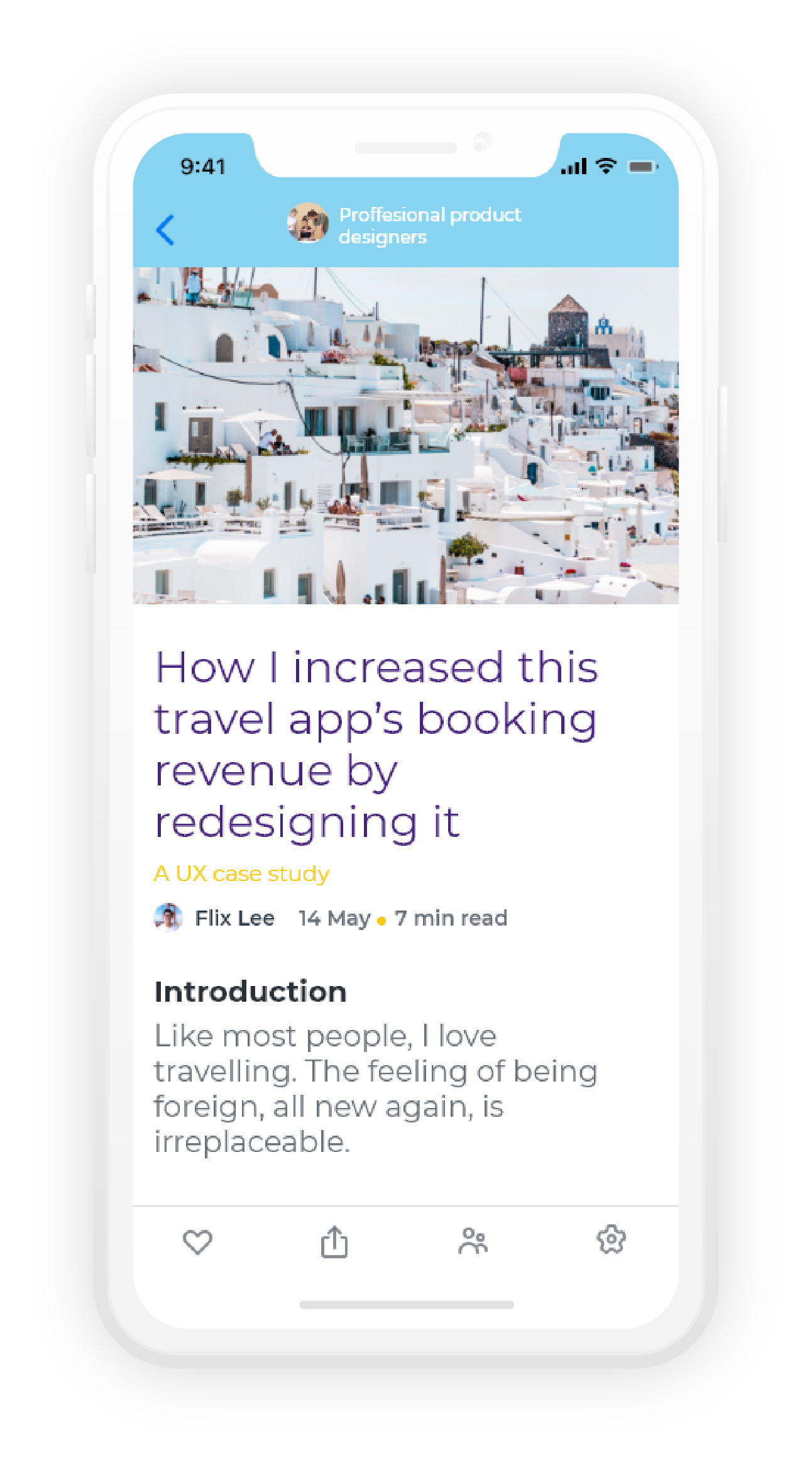
Shots is an app for designers to keep up to date with the fast-changing trends of the industry, and gain access to professional knowledge.
Main projects goals
Encourage the user to read one full article in a week and post one short summary .
Encourage the user to read one short summary every day for a week.
Encourage the user to user to continue reading and posting over at leas one month.
The challenge
The design industry is rapidly evolving – Tools, technologies, methodologies, and even expertise keep popping out and a stunning pace.
We, the designers, must keep up to date with these developments, as being knowledgeable with the latest trends makes us more creative and self-confident with the professional better solutions we offer, and better equipped to face today’s challenges.
The amount of information sources is staggering. We’re swamped with information, have little time for comprehensive reading and the fear of missing out can make us insecure.
Competitive research
Goals
Find existing solutions and understand which aspects of the challenge they help with
My market analysis showed that out of the box solutions only help partially.
One stop shop
Find existing solutions and understand which aspects of the challenge they help with
My market analysis showed that out of the box solutions only help partially.
More cases, more scrolling
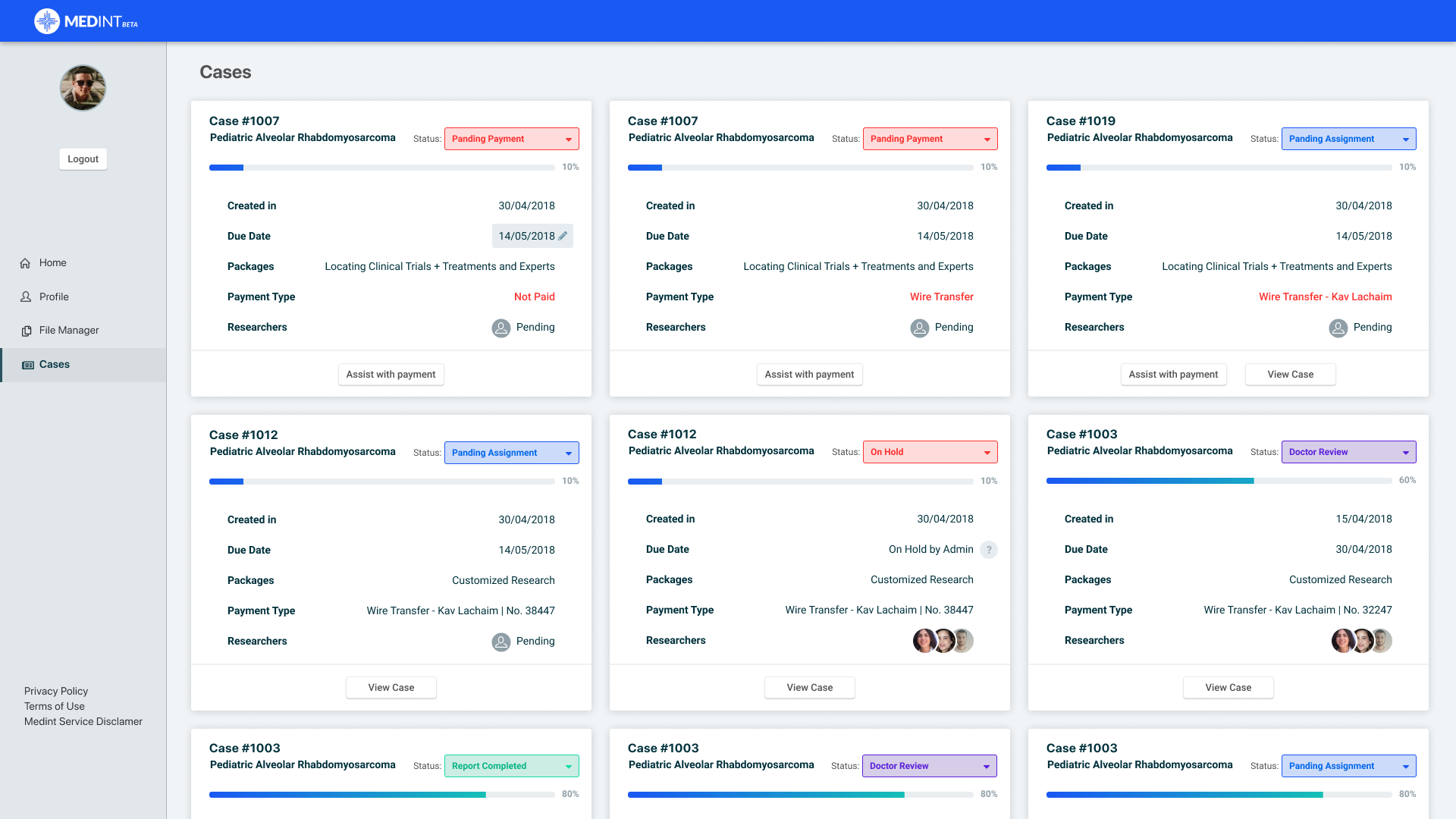
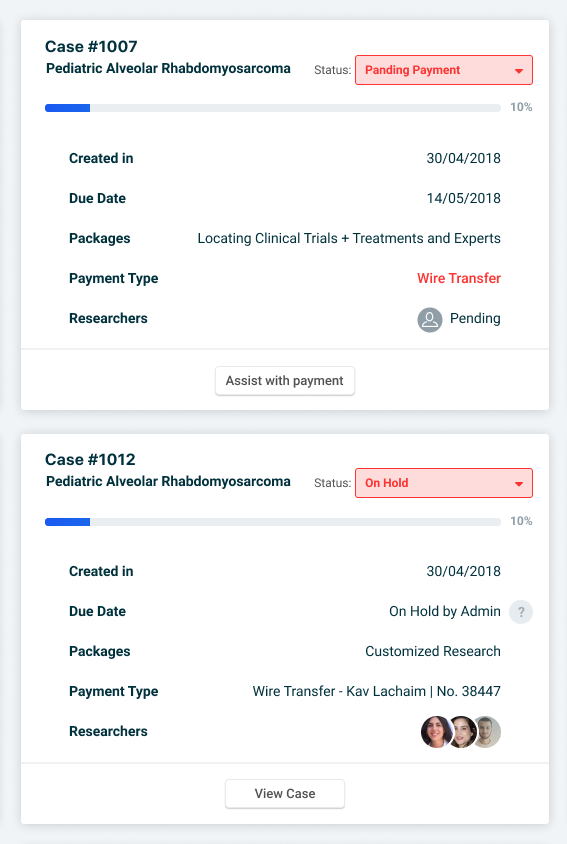
Cases were displayed in a card view on the ‘cases view’ screen. As more cases were added to the screen, the long scrolling had the coordinator disoriented. The cards took too much real estate, making it hard to locate specific cases (such as “on hold” or priority cases) or to compare cards.
Secondary objective
In order to provide patients with the best report, the coordinator must find the best matches between researchers and cases. Having no in-platform means, he used 3rd solutions (a phone call, WhatsApp, email etc.) which were not documented.
The solution
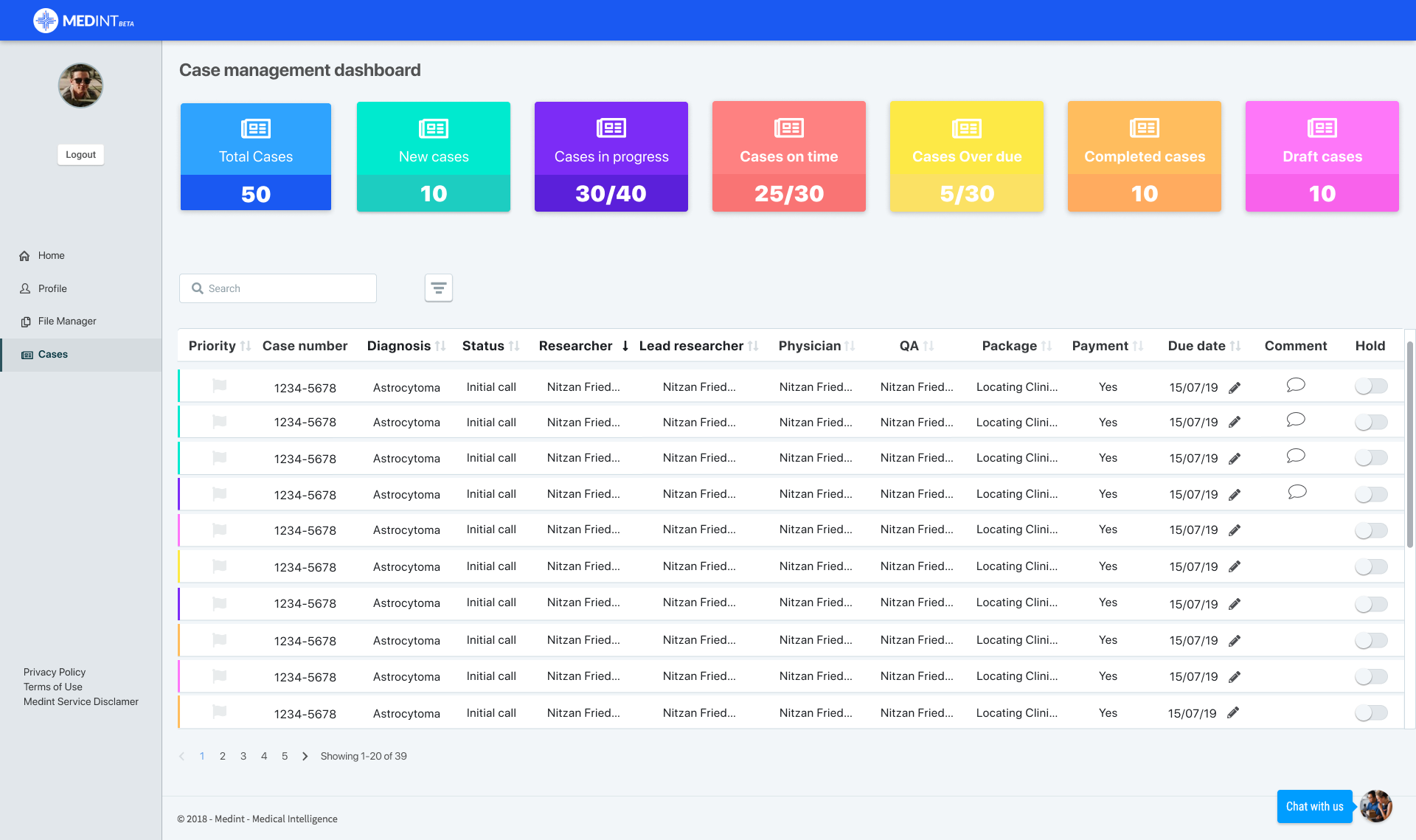
We consolidated the cases view screen with the dashboard, so the coordinator will have all the information in one place, and the graphs have been revamped as quick filters, and a search bar was added.
Changing ‘card view’ into ‘table view’
Each case is now represented by a single line with essential information to help the coordinator pinpoint the needed case.
Important information is now easy to find
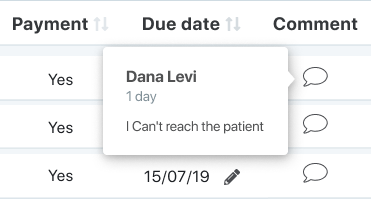
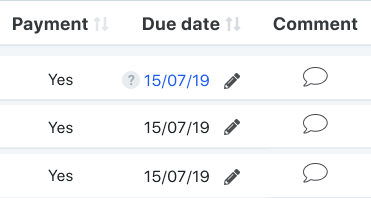
The new table highlights “on hold” cases. Hovering on the info icon displays a tooltip which reminds the coordinator why the researcher’s requested this hold.
Important information is now easy to find
Notes
Due date
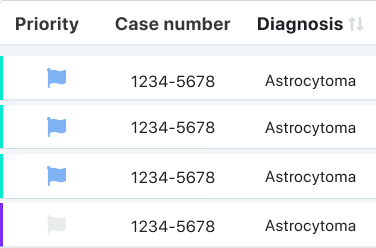
Priority cases
Highlighted cases that needs a coordinator action
We added more information per researcher (such as specialty, availability and KPI’s) to help the coordinator with finding better matches and better manage his available resources.
The research coordinator is the connecting link between the lead researcher and the research team (and in some cases between the patients to the research team).
Researchers Coordinator
Assigns researchers to cases
Makes sure that cases are on track
Coordinates between patients and the research team